
“We connect AI to your company and its data.”
So it works with your data and systems, not just with what you copy into it. AI sees into your CRM, accounting and documents, and answers from company knowledge.

- Who it’s for
- Companies that keep data in CRM, accounting and documents, and copy it into AI by hand.
- What you get
- AI connected to your systems, a knowledge base that cites its sources, and a trained team.
- How long
- The first connection on a real task within two weeks, then another every 1 to 2 weeks.
“AI is only as good as its view into your company. Without a connection, you keep copying.”
Copying
AI can’t see into your systems. You look for data in three apps and paste it in by hand.
where AI gets its data
You assemble every answer by hand from three places.
Connected AI
AI pulls the data itself from CRM, email and documents, and answers with a link to the source.
where AI gets its data
One question, an answer with a link to the source. Every new system widens what AI can see.
Every part of the company can be connected
One question is enough. AI puts the answer together from the systems you open by hand today.
Sales
- CRM
- Calendar
- Quotes
“Which clients didn’t get a follow-up?”
Marketing
- Analytics
- Website
- Ads
- Social media
“Which articles brought us inquiries?”
Agency operations
- Projects
- Tasks
- Timesheets
- Slack
“Which projects are past deadline?”
Customer support
- Helpdesk
- Knowledge base
- CRM
“What do customers ask about most?”
Accounting
- Bank
- Invoices
- Accounting system
“Who has owed us for more than 30 days?”
Recruiting
- Resumes
- Calendar
- Evaluations
“Which candidates are waiting for a reply?”
Management
- Finance
- CRM
- Projects
- Timesheets
“How are we doing against the plan?”
Purchasing and inventory
- Orders
- Inventory
- Suppliers
“Which orders are late and why?”
- 1
Connecting systems
A ready-made connector, or a custom MCP server for your CRM, accounting or database.
- 2
Knowledge base
Procedures, price lists, past quotes and FAQs. AI answers from them and cites the source.
- 3
Company skills on your data
For example, preparing a quote from the CRM and price list with one instruction.
- 4
Access
Who sees what, what AI can only read and where it’s allowed to write.
- 5
Training and documentation
A guide for the team and a record of how everything is connected.
“We’re not just an integrator. We build the whole solution, from data to interface.”
We use Make, Zapier or ready-made integrations when they make sense. When they’re not enough, we write a custom MCP server, backend and app, and we take care of the infrastructure.
what we deliver
- Interfaceweb app, widget, dashboard
React, Next.js - Agents and flowscompany rules, approval points, step log
Claude, tool use, skills - MCP servers and integrationsCRM, accounting, email, API, webhooks
MCP, REST, webhooks - Backend and datalogic, databases, search across company knowledge
Node.js, Python, RAG - Infrastructuredeployment, access, backups, monitoring
Supabase, Railway, cloud
why we can build it
We understand how language models work. So we know what to build and why.
Models
Which model when, what it costs, where it gets things wrong and when you don’t need one at all.
RAG and databases
When to search company data, when to use a database and when a long context is enough.
Standards
MCP, tool use and skills. We build on them so the solution survives the next generation of models.
Control
Answer tests, step logs and permissions. You know what the agent did and why.
“You’ll see the first connection on a real task within two weeks.”
- 1
Design
Included. Which systems, what data, what AI should read and what it should write.
- Demo2
First connection
1 to 2 weeks. A demo on one real task, then a new one every 1 to 2 weeks.
- 3
More connections
More systems and a knowledge base built from your documents.
- 4
Handover
Included. Team training, a guide and documentation.
What we need from you
- Access to your systems
- One person on your side
- Documents for the knowledge base
- A decision on where AI may write
What you get from us
- A connection design
- Integration with your systems
- A knowledge base that cites its sources
- Team training and documentation
Runs with us in the EU
As a managed service. On your own infrastructure on request.
Credits on your account
You pay the AI provider directly, based on actual usage.
The code and data are yours
Once paid, they belong to you. If you leave, you get everything.
60-day warranty
90 days if you have a support and maintenance or operations contract.
“Companies where AI sees into their systems.”

The agencies create content for their clients. More and more, clients ask why they don’t show up in Google or in AI chat answers. The answer was pieced together from several tools and took hours.
- technical SEO, speed and site structure
- SEO
- whether AI chats can cite the site: FAQs, structured data, listings
- GEO and AEO
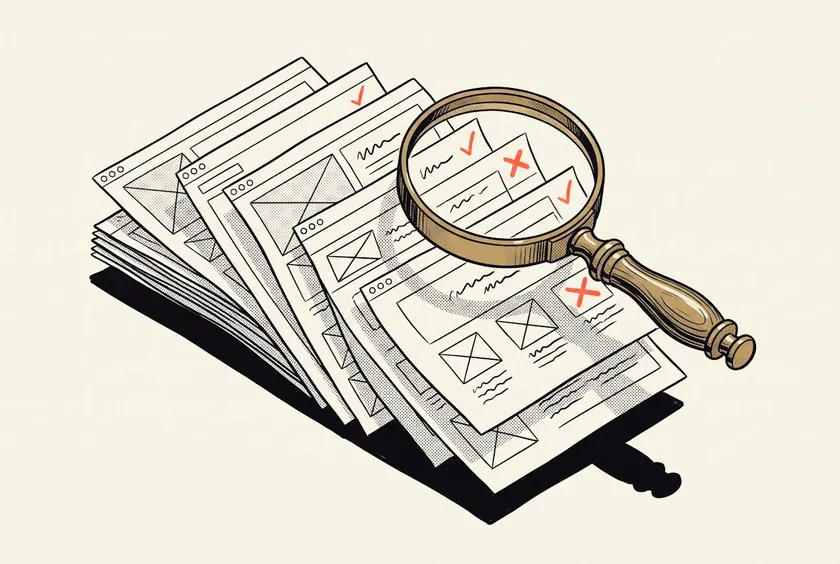
INNOVATIONS sells media space, PR and SEO packages from dozens of media partners. The price lists were scattered across spreadsheets, PDFs and Drive, and every partner used a different format. It was impossible to work with.
- of media partners’ price lists and documents combined into one platform
- Dozens
- for the team and clients: choose, order and handle everything in one place
- 1 platform
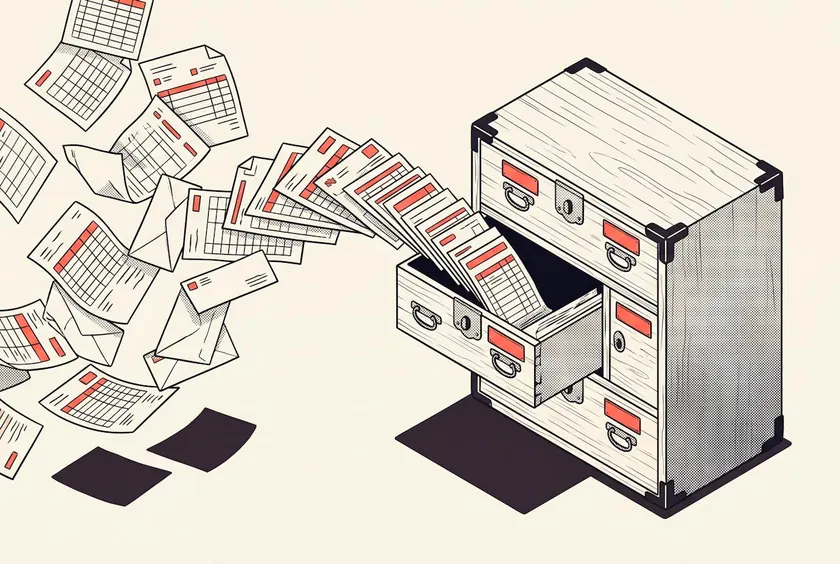
We collected invoices, bank statements and documents for our accountant by hand. We only saw the company’s numbers at the end of the month, and they were scattered across the bank, Fortnox and ClickUp.
- invoices a month processed by the system on its own
- ~40
- months of continuous operation without an error
- 6+



“How to connect AI to company data.”
A practical guide to which systems to connect first, how to build a knowledge base and what AI may read and where it may write.

“Have a question? Just ask.”
Want to know more about our services? Interested in concrete use cases and references, whether we’ve already solved a problem like yours, or what it might all cost? Talk it through with our AI agent. It knows a lot more than you’d think.