
“We teach your team to work properly with AI.”
So you don’t use it as a better Google, but as a colleague who knows your company. We set up the environment and teach your team to work on its own tasks.

- Who it’s for
- Teams that are trying AI, but everyone in their own way and with no visible result.
- What you get
- A company workspace in Claude, 3 to 5 skills for your tasks and rules for the team.
- How long
- Half a day of setup, 1 day of training and a follow-up after 2 to 4 weeks.
“AI won’t help while you use it as a better Google. It helps once it knows your company and learns a task once.”
Chat
You explain everything again each time, copy texts over and get a different result every time.
time for the same task
The time for the same task stays the same.
Project and skills
AI knows the company and does a repeated task the same way every time. You just check the result.
time for the same task
You teach AI the task once. Every next step cuts the time.
- 1
How AI thinks
Context, why it doesn’t remember, where it makes things up and where it’s strong.
- 2
From chat to project
AI gets knowledge about the company once, so you don’t have to explain it again.
- 3
Skills
A repeated task is written down once, and from then on AI does it the same way.
- 4
Connectors and scheduled tasks
AI works directly in your email, calendar and documents, and does some things on its own at set times.
- 5
Rules
What can go into AI, what can’t and how the team works with it safely.
“We teach on your work, not on textbook examples.”
- 1
Setup
Half a day. Company accounts, projects for the main areas, connectors and the first skills.
- Your team2
Training
1 day or 2 half days. How it works, plus practice on your own tasks.
- 3
Working on tasks
2 to 4 weeks. The team uses AI for real work, and we’re within reach.
- 4
Follow-up
2 hours. What stuck, what didn’t, and fine-tuning the skills.
What we need from you
- Who will take part
- 3 to 5 real tasks that slow you down
- A decision on a paid account
- Access to email and calendar
What you get from us
- A company workspace set up in Claude
- 3 to 5 skills for your tasks
- Rules for what can go into AI
- A follow-up meeting after 2 to 4 weeks
In your Claude
Accounts and data stay in your company.
Licenses on your account
You pay the AI provider directly. We don’t resell anything.
On your tasks
We practice on what actually slows you down.
Follow-up meeting
After 2 to 4 weeks we fine-tune what didn’t stick.
“Teams that already work with AI.”

The agency wanted to be an AI-first company. Not with an extra chat window, but with AI doing real work under human supervision. It had plenty of tools, but they weren’t connected to each other.
- of processes: what can be automated and where AI makes sense
- Map
- built around the services the company sells
- Custom AI
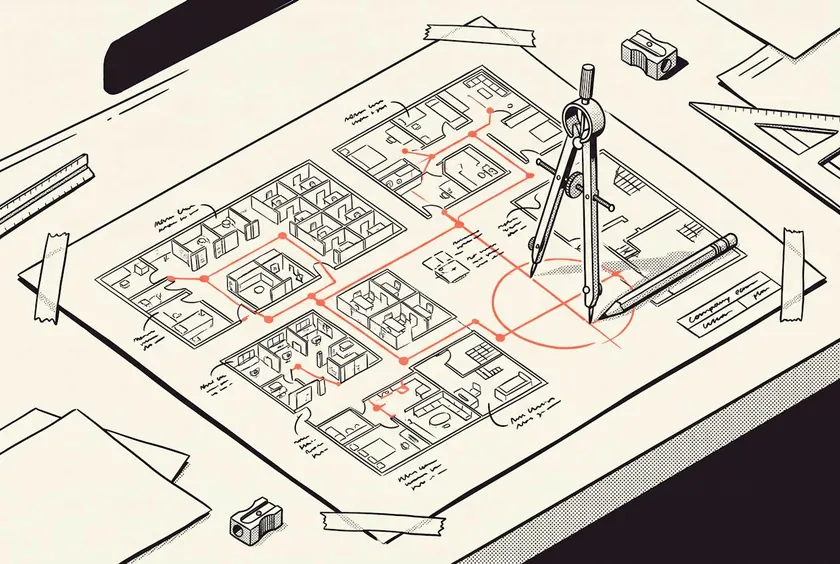
There are plenty of lead and cold email tools on the market, such as Apollo, Lemlist or Instantly. They have the infrastructure, but they lack what matters most: knowledge of the market and a message that catches a company at the right time. There is no one-size-fits-all solution.
- companies screened in 2 weeks
- ~509
- first emails
- ~173
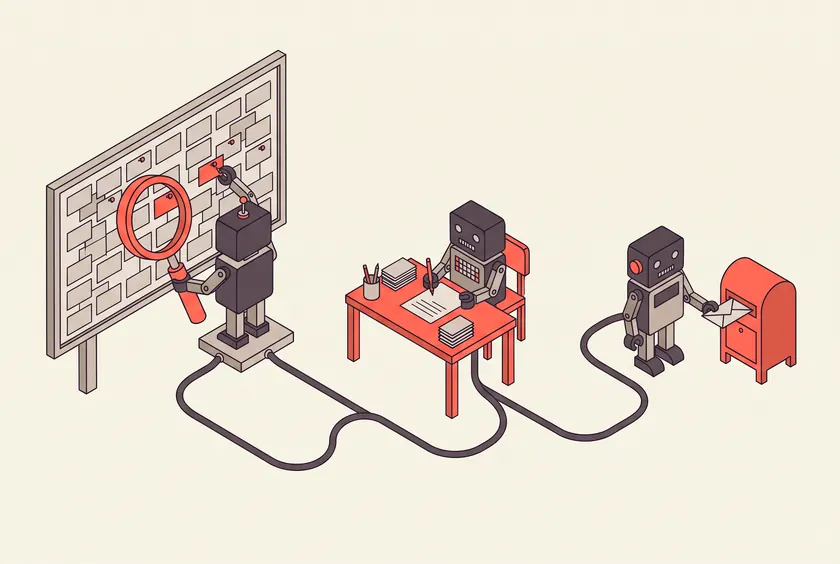
The agencies create content for their clients. More and more, clients ask why they don’t show up in Google or in AI chat answers. The answer was pieced together from several tools and took hours.
- technical SEO, speed and site structure
- SEO
- whether AI chats can cite the site: FAQs, structured data, listings
- GEO and AEO



“How to teach your team to work with AI.”
A practical guide to getting started with AI in a company, what to set up first and how to teach the team to understand it, not just click.

“Have a question? Just ask.”
Want to know more about our services? Interested in concrete use cases and references, whether we’ve already solved a problem like yours, or what it might all cost? Talk it through with our AI agent. It knows a lot more than you’d think.